Start with the marks your drawing needs
For a small travel postcard, you might need a pale sky, a row of roofs, and a few dark branches. Before searching for “watercolor brush,” describe the marks: a broad wash without an obvious seam for the sky, a narrow line for the roofs, and a broken edge for the branches. Three specific tasks give you a clearer starting point than a general style.
In the library, filter first by the software you use, then by brush category or the “Zero credits only” option. Search for a material or subject when it helps. Open two or three resource pages in separate tabs and compare their details. A short list makes missing information easier to spot.
Check compatibility, files, samples, and access
Begin with the application and the version actually tested. Then check the file format, the number of brushes, and the size of the package. A matching extension is a clue, not a promise that every release of an app will behave the same way. If a page does not name a tested version, leave that as an unanswered question.
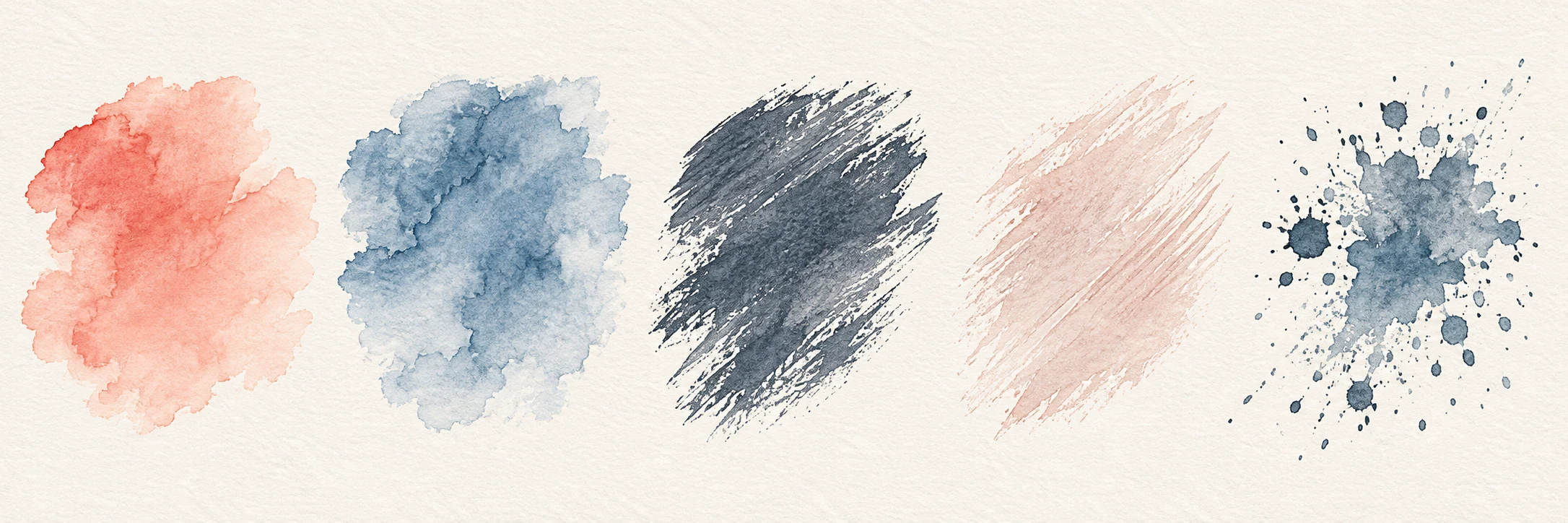
Treat the cover and the brush samples as different kinds of information. A finished illustration can show an atmosphere but may include other brushes and editing. Look for strokes made with the file you would receive: a slow stroke, a fast stroke, a broad patch, and an overlap. Design samples use decorative illustrations to show the interface; they do not provide genuine brush tests or downloadable brush files.
“Free”, “credits”, and “membership” describe how a file is obtained. Check the available access methods and the cost before confirming an unlock.
- Tested app and version, not only a file extension.
- Actual strokes from the file, not only finished artwork.
- An enabled access method that can use your available balance.
Understand what an unlock does
Sign in with an email code or Google. For a real, published resource, your first successful unlock adds a record to your account. Free resources also create this record. A credit unlock spends the amount shown in the quote you confirm. An existing, valid unlock lets you request an available delivery link again without spending more credits when the resource’s status, delivery channels, and your account’s access conditions allow it. A link request records that delivery information was supplied; it does not confirm that the file finished downloading from the cloud provider.
Your account separates membership allowance from purchased and restored credits. Before you confirm, the quote shows which balance can be used under the resource’s access settings and how much will come from each. Stripe monthly and annual memberships renew automatically at the price shown at checkout. Cancel renewal in your account; paid membership time remains available. WeChat and Alipay membership purchases are one-time payments. Existing one-time orders keep their original terms. If the cost changes or the amount of purchased or restored credits would exceed the limit you confirmed, the unlock stops so you can review a new quote.
Keep the file with its source and version notes
Once you have a real file, keep the original package and the resource page URL in one folder. Add the app version you used to test it and a date. “Good on an iPad with Procreate version X” is a useful personal note; “works everywhere” is not. An installed brush can outlive your memory of where it came from, especially after a device change.
If a link fails, sign in and use the problem-report action on the resource page. Include the channel you tried, the file extension, your app version, and what happened. If the resource page is no longer public, email support with the resource name. Do not send passwords, sign-in codes, or private artwork. A design sample has no real brush package to unlock or report as a failed download.
A short checklist for your first visit
Start in the library with the software you draw in. Choose one task to finish this week and shortlist no more than three resources. On each page, check the tested version, genuine brush samples, and access options. Set a resource aside if any of those details are missing. An appealing cover does not have to lead to a download.
For a real resource that passes those checks, review the quote before unlocking. Save the original package and version notes before importing. After testing a mark, write one sentence about what worked and what was difficult. Your next search can then start from your own observations.
Before your first brush unlock
Before confirming access, make sure these three questions have clear answers.
- Does the resource name your app and a tested version?
- Have you checked the file list, genuine brush samples, credit cost, and enabled access methods, and confirmed that delivery is available?
- Can you save the original files and version notes together, then make a test stroke on a spare canvas at your intended drawing size?