Name the mark you are missing
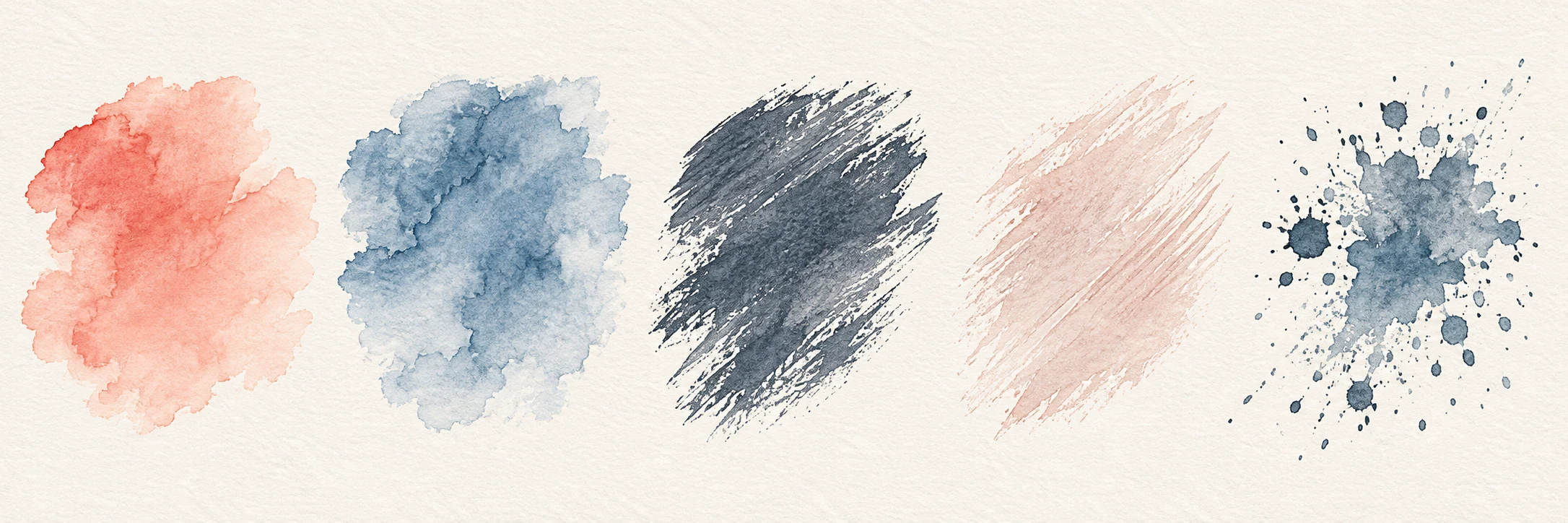
“I need a watercolor brush” might mean four quite different things: a soft wash for a sky, a grainy edge for dry grass, a controllable line for a roof, or a stamp for scattered leaves. Look at the drawing you are making and circle the part that is taking too much effort. A brush is useful when it solves that particular problem without making the rest of the picture harder to control.
Before comparing packs, write one sentence about the job. For example: “I need a broken line for thin winter branches at postcard size.” That gives you a reason to set aside a pack of broad washes, even if its cover appeals to you. You can return to it for a project that needs those marks.
Look for samples of the brush in use
A finished landscape can be persuasive, but it may combine many brushes, layers, masks, and corrections. A useful brush sample shows the bare mark as well: a slow line, a quick line, a filled shape, and two colors crossing. It should say which application and version produced the sample. Without those details, you can admire the artwork but cannot infer much about the file you will receive.
Look for repeated brush-tip shapes along a long stroke. They may suit a pattern or stylized foliage. If you need an irregular edge, though, the same repeated leaf or blot may be distracting. Judge it at the size at which the work will be viewed, as well as in a close crop.
Compare brushes on the same canvas
If you can try real files, test the candidates on one spare canvas. Keep canvas size, color, brush size, and layer settings comparable. Draw a slow line and a fast line, fill a small rectangle, then overlap half the rectangle with a second color. Change one setting at a time so you can tell whether a difference comes from the brush or the setup.
Look at the page both at 100% and at the size it will be shared. A lovely granular edge at full resolution can disappear in a phone thumbnail; a tidy small mark can become painfully repetitive in print. Note pressure response if you use a stylus: can you intentionally make a quiet mark, or does every touch arrive at full force?
- One slow line, one fast line, and one wide patch.
- A second color across half the patch.
- A note on the final viewing size and pressure response.
Check the files and tested version
Brush count matters less than clear roles. A small set with a broad wash, a reliable edge, and a dry detail brush may cover more of your work than dozens of near-duplicates. Read what the package says about names, file types, and the app version tested. A .abr or .brushset extension tells you what kind of file it is, not that it has been checked on your device.
If the listing omits a tested version or genuine marks, treat it as incomplete. Save your shortlist and return when those details are available.
Choose between two good brushes
Imagine that one brush makes a beautiful dry edge but needs several strokes to fill a shape. Another lays down color quickly yet leaves a tidier edge. For a small botanical study with mostly delicate stems, the first may be worth its slower fill. For a broad background on a deadline, the second may keep the picture moving. Do not score them with one universal number; write the job each one does better.
Try a brush you already own before buying another pack. A small change in size or pressure may produce the mark you need. Choose a new pack when it solves a specific problem, has clear file information, and has been checked in the software you use.
A short comparison of two brush packs
Write a short note for each candidate. A specific observation is more useful than a star score.
- Task: name the line, wash, or texture you need for this drawing.
- Evidence: compare genuine samples at the same viewing size; if you can test the files, use the same canvas.
- Fit: note the tested app and version, included files, enabled access methods, and first-unlock cost.