Find the BRU or ABR brush file
Find the BRU or ABR file supplied for Huashijie Pro. Save it locally in a folder you can select from the app. If the delivery is an outer ZIP, extract that ZIP according to its instructions. Keep the original download and any notes identifying the tested device and app version.
The developer lists BRU imports and exports, and Photoshop ABR imports. Those capabilities do not establish that every brush has the same settings or stroke as in another app. Check the device and Huashijie Pro version actually tested for the package.
Find your version’s brush import command
Open the brush menu described in the official PC guide and choose 导入画笔 (import brushes). Select the complete BRU or ABR file saved on your device. A preview image cannot replace it, and changing another file’s extension does not convert it.
For a non-PC version, follow the separate official guide’s 导入画笔 (import brushes) instructions and select the saved BRU or ABR file. Use the manual for your installed version and compare the package’s tested device and app version with your own; the controls may differ.
Find the brush and check the supplied settings
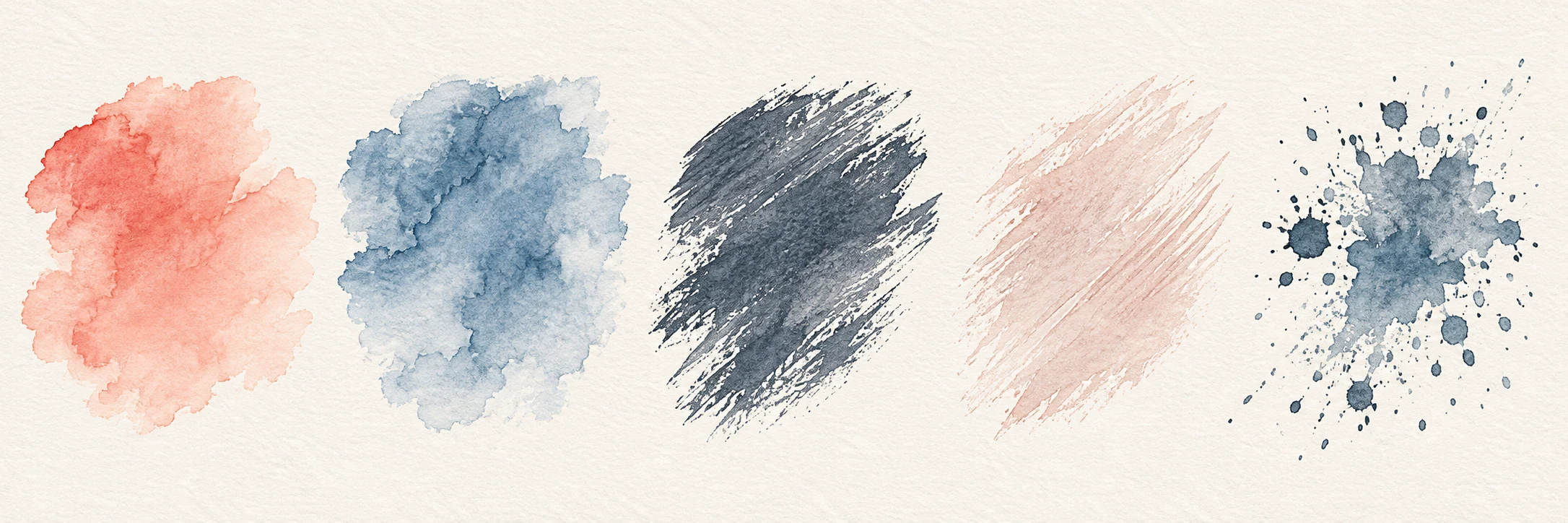
Find the new brush or group before importing again. Try a line and an overlap on a spare canvas. If the package includes a brush sample, compare at its size, opacity, and listed settings, and note any device or stylus difference. Keep the original package while adjusting a working copy.
If the file is rejected or the brush does not appear
Check the extension, complete download, and the package’s tested device and version. Confirm that you used brush import rather than artwork import, and look for the new brush or group before trying again. Record the filename, app version, device, and failed step. Sign in to report a Brushory resource problem, or contact support if its public page is unavailable.
Browse resources for Huashijie Pro
Official references
Software interfaces and supported files can change between versions. If a menu name or format differs, check the maker’s guidance for your installed version.
Huashijie Pro: developer file-format informationHuashijie Pro PC help: importing BRU and ABR filesHuashijie Pro non-PC help: importing brush files