Find the native HBR file
Save the complete HBR brush file locally. If it arrives inside an outer ZIP, extract that outer ZIP according to the package notes. Keep the original HBR and the tested device and app-version information. A preview image or renamed ABR is not a native HBR brush file.
Use the resource’s native HBR file and the route documented for its tested HiPaint version and device. Matching an extension does not establish that another format, app, or device will reproduce the same brush settings.
Open the file with HiPaint
Locate the saved HBR in your device’s file browser. Use Open with Other Applications, then choose HiPaint, as described in the developer’s FAQ. The system may use a different name for its open-with or share menu; follow the route for your tested device and version.
After import, look for the added brush before opening the file again. If HiPaint is missing from the file options, check that the app is installed and consult the instructions for your device.
Check the brush at the intended pixel size
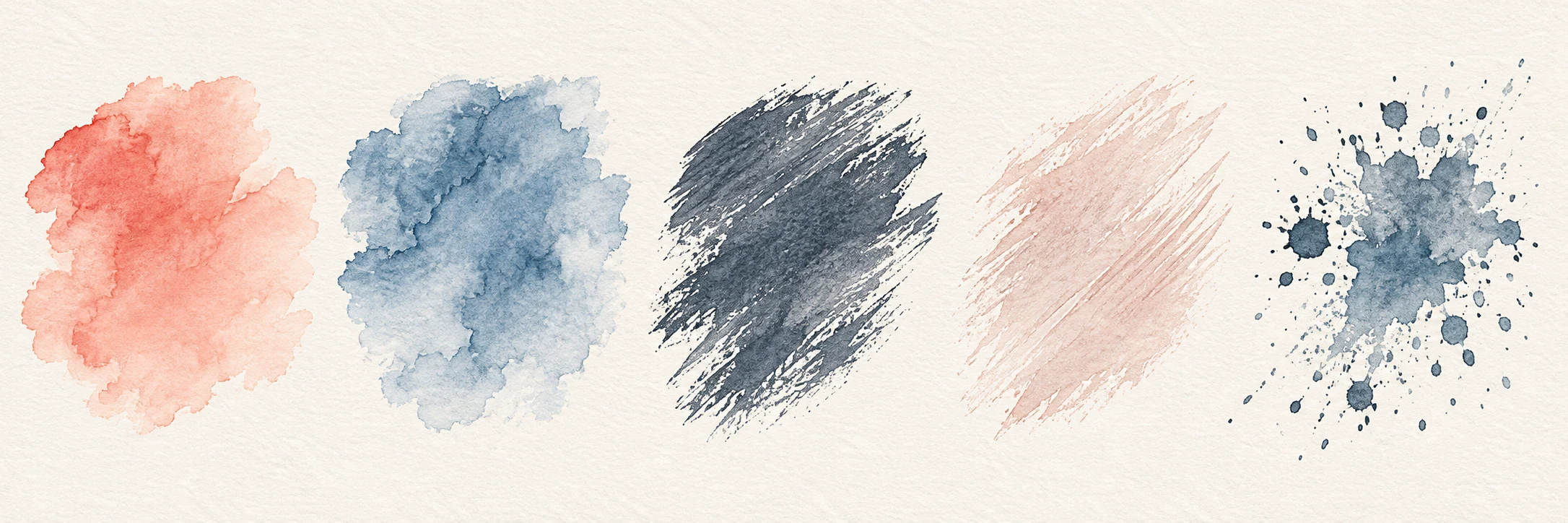
Try the brush on a spare canvas with your intended pixel dimensions. If the package includes a sample from the same HBR, compare a line and texture patch at its size, opacity, and listed settings. A small canvas can make pixel strokes look jagged; changing DPI without adding pixels does not add detail. Keep the original HBR while adjusting a working brush.
If the file will not open or the stroke looks wrong
Check the complete HBR, selected application, tested HiPaint version, and device. If a brush appears but looks wrong, compare canvas pixel size and the supplied settings before opening the file repeatedly. Record the filename, app version, device, canvas size, and failed step. Sign in to report a Brushory package problem; contact support if its public resource page is unavailable.
Official references
Software interfaces and supported files can change between versions. If a menu name or format differs, check the maker’s guidance for your installed version.
HiPaint: HBR import and canvas questions