When paper texture draws attention away from the subject
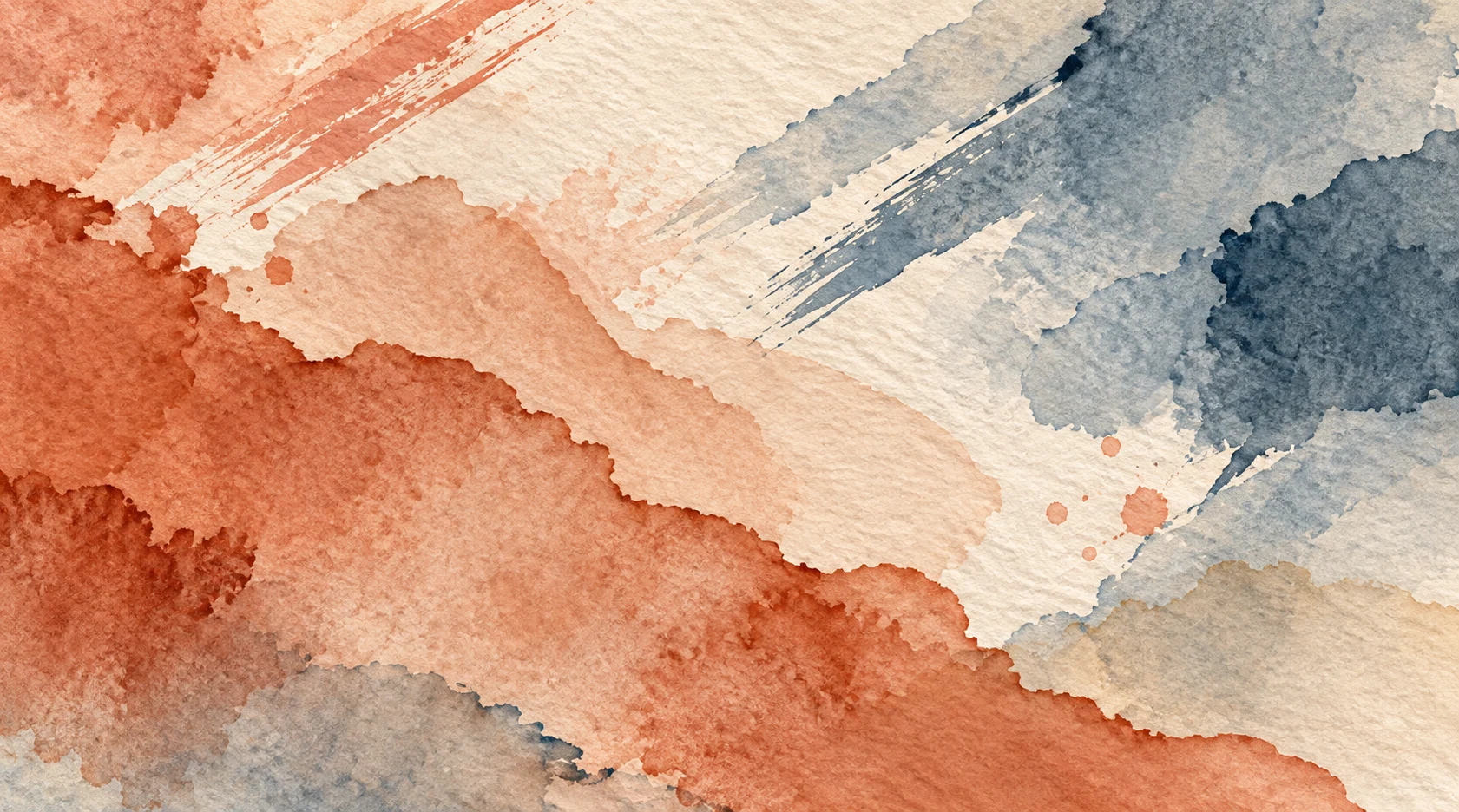
Paper grain can give a digital watercolor image a more tactile feel. If it crosses every leaf, face, or letter with the same strength, it can make the subject harder to see. This often happens late in a drawing, when another texture layer seems like a quick way to finish it. Ask where the viewer should look first, as well as whether the texture looks like paper.
Think of a portrait against a pale wall. Grain may add interest to the open space on the wall, while the same contrast across the eyes can obscure a subtle expression. Texture does not need to be equally strong everywhere. Adjust it to the role each area plays.
Check the final viewing size
Check the image at its intended viewing size, whether it is for a card, portfolio, or print. Fine grain that looks clear at 200% may become a busy pattern when reduced; broad marks that look rough up close may work at normal size. Compare both views and make the final viewing size your priority. If you need several output sizes, export test copies for each rather than expecting one texture setting to fit them all.
Look at places where texture crosses a strong edge: a face against the wall, a roof against the sky, dark lettering on a pale wash. If the edge becomes hard to read, lower the grain’s contrast there before changing the whole painting. A local correction often preserves what you liked about the paper elsewhere.
Compare three versions
Save a copy without added texture. Make a second with restrained grain across the whole image. Make a third that keeps grain in the background and outer edges but softens it around the focal point. Put the three at final viewing size side by side. Which one lets you notice the subject first and still rewards a closer look?
If all three look flat, check the arrangement of light and dark before adding more texture. Temporarily view the image in grayscale, or squint at a thumbnail. If foreground and background are equally prominent, added grain may make them harder to separate. Adjust their light-dark relationship, then see whether more surface texture is needed.
Keep the experiment reversible
Put added texture on its own layer or keep an untouched copy of the artwork. Name the versions by the actual change—“low grain”, “quiet face”, “no overlay”—rather than “final 7”. Record the export size you compared. A week later, you should still be able to tell which choice you made and why.
A strong paper surface can be deliberate: for example, in a close study of pigment settling into fibers. That is a different decision from adding grain because the drawing still feels unfinished. Use texture to support this image’s purpose, rather than giving every piece the same surface.
Use quieter texture around the focal point
On the portrait against the wall, try reducing texture around the eyes and keeping it in the wall and clothing. You need not cut a hard circle around the face; a gradual mask or a quieter brush on the focal area can keep the transition from calling attention to itself. Look again at thumbnail size. If the viewer sees the eyes first and the paper second, the balance is working.
The same approach helps with lettering and small interface illustrations. Keep texture in the surrounding wash if the letters or symbols need a clean edge to remain readable. You can preserve the drawing’s material character while choosing where the texture is most prominent.
Check paper texture before export
Compare versions at the intended viewing size, as well as close up.
- Compare three versions: no added texture, light grain across the image, and grain kept in the background with less around the focal point.
- Check whether faces, lettering, and important edges are readable in the exported image.
- Keep added texture on its own layer or save an untouched copy, so you can adjust for a different output size.