Start with a small test page
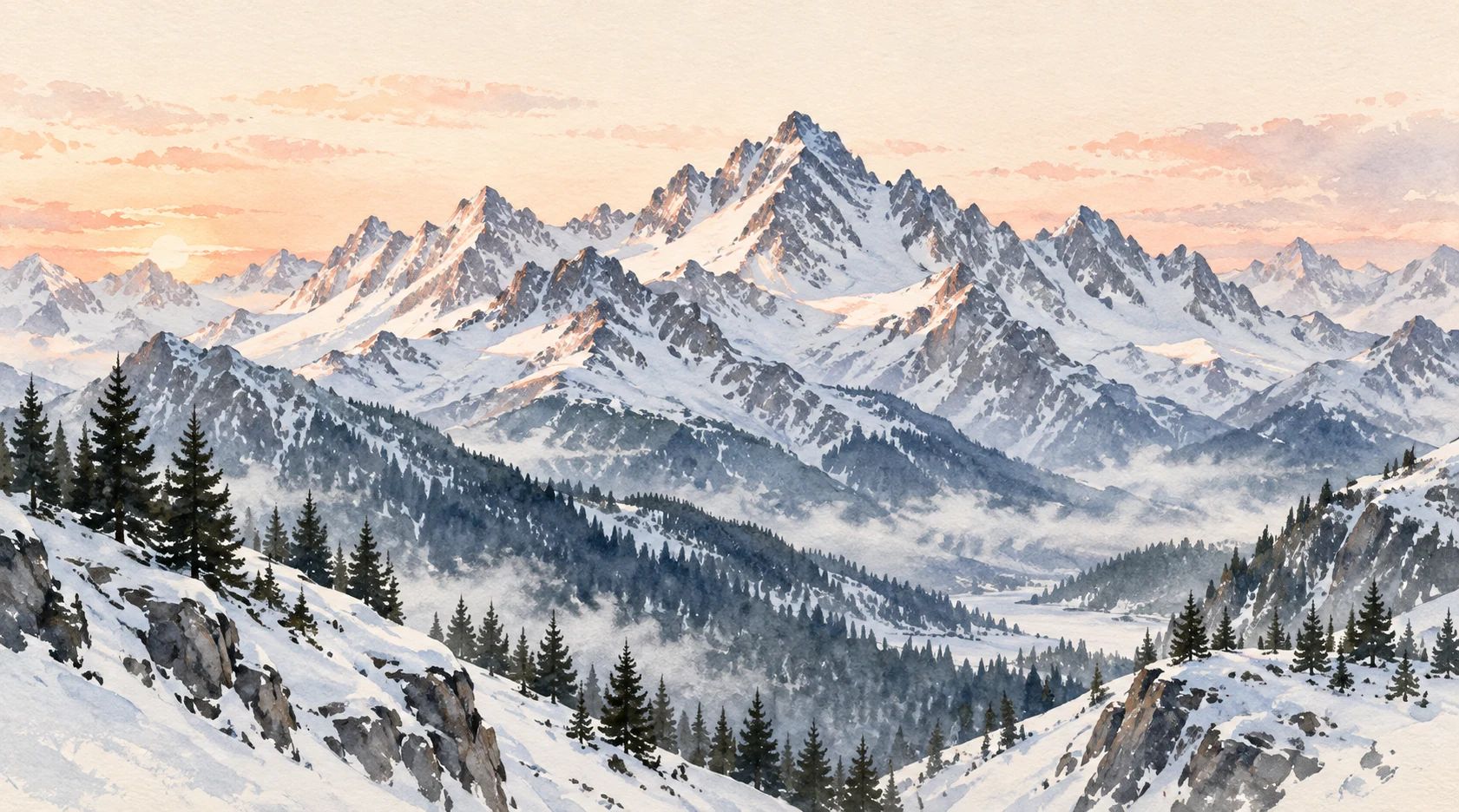
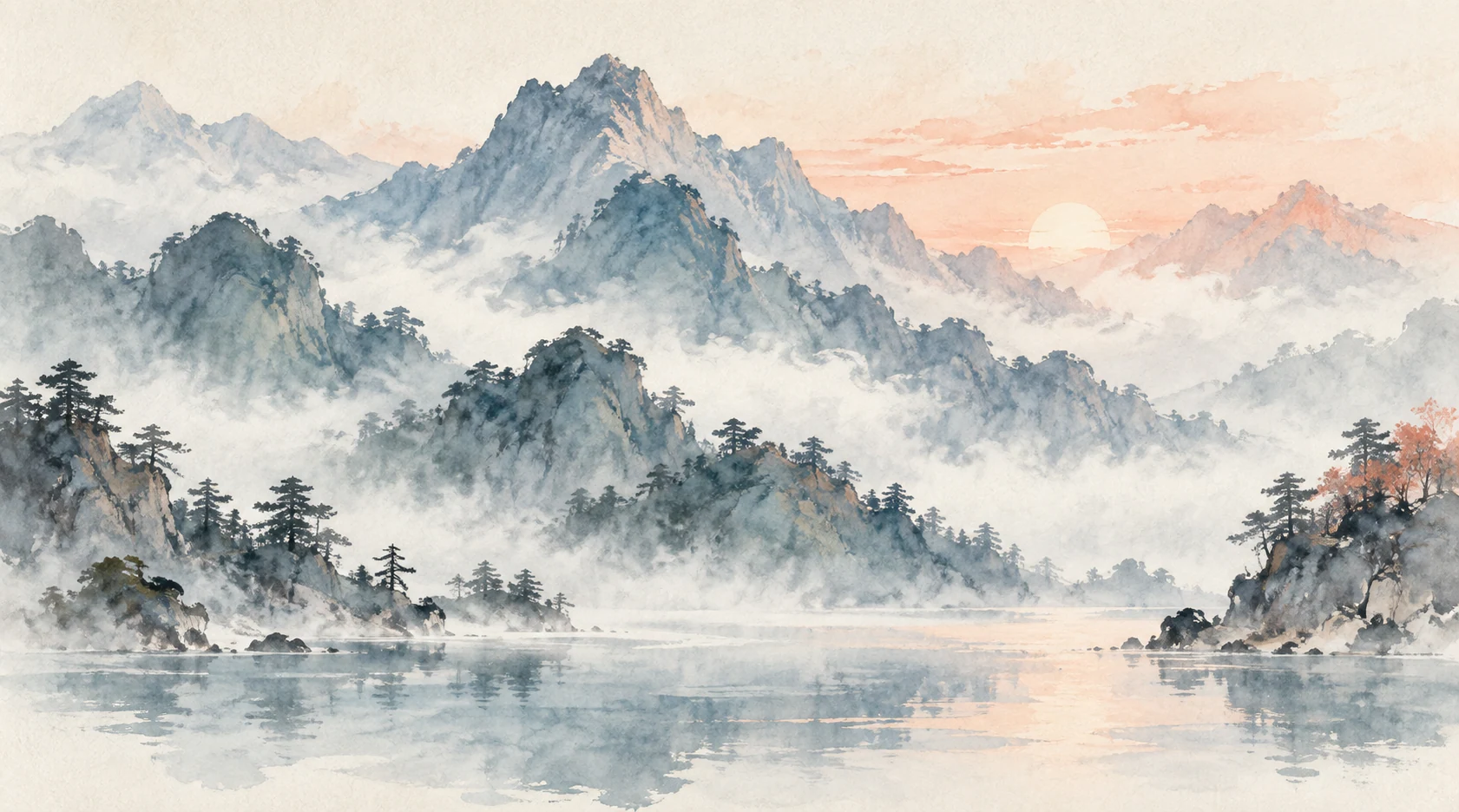
A finished landscape can make a watercolor brush look convincing. The colors seem to bleed naturally and the paper has texture. On a blank canvas, though, your first stroke may look quite different. The brush, canvas, layers, and later edits can all affect the result. A ten-minute test will not answer every question, but it can show you what to check next.
Use a brush you already own on a spare canvas close to the size you usually share. Keep the color and brush size fixed for the first pass. To see how the tool behaves, leave awkward marks in place instead of correcting them with an eraser or blend mode. An unpolished test page is often the more useful record.
Minutes 0–3: draw the same edge twice
Draw a simple leaf or the slope of a hill slowly, then repeat the shape with a quicker hand. Do not aim for identical outlines; watch the edge. Does it break where your hand changes speed? Can you make a light start and a firm finish? Do little copies of the brush tip appear at regular intervals? None of these observations is automatically good or bad. A repeated stamp could be useful for stylized leaves and distracting on a broad sky.
Zoom in, then return to the size at which people will see the picture. Grain that looks appealing at 200% may disappear on a phone; gaps that look too large close up may work at normal size. Note which viewing size changes your judgment.
Minutes 3–7: let two colors meet
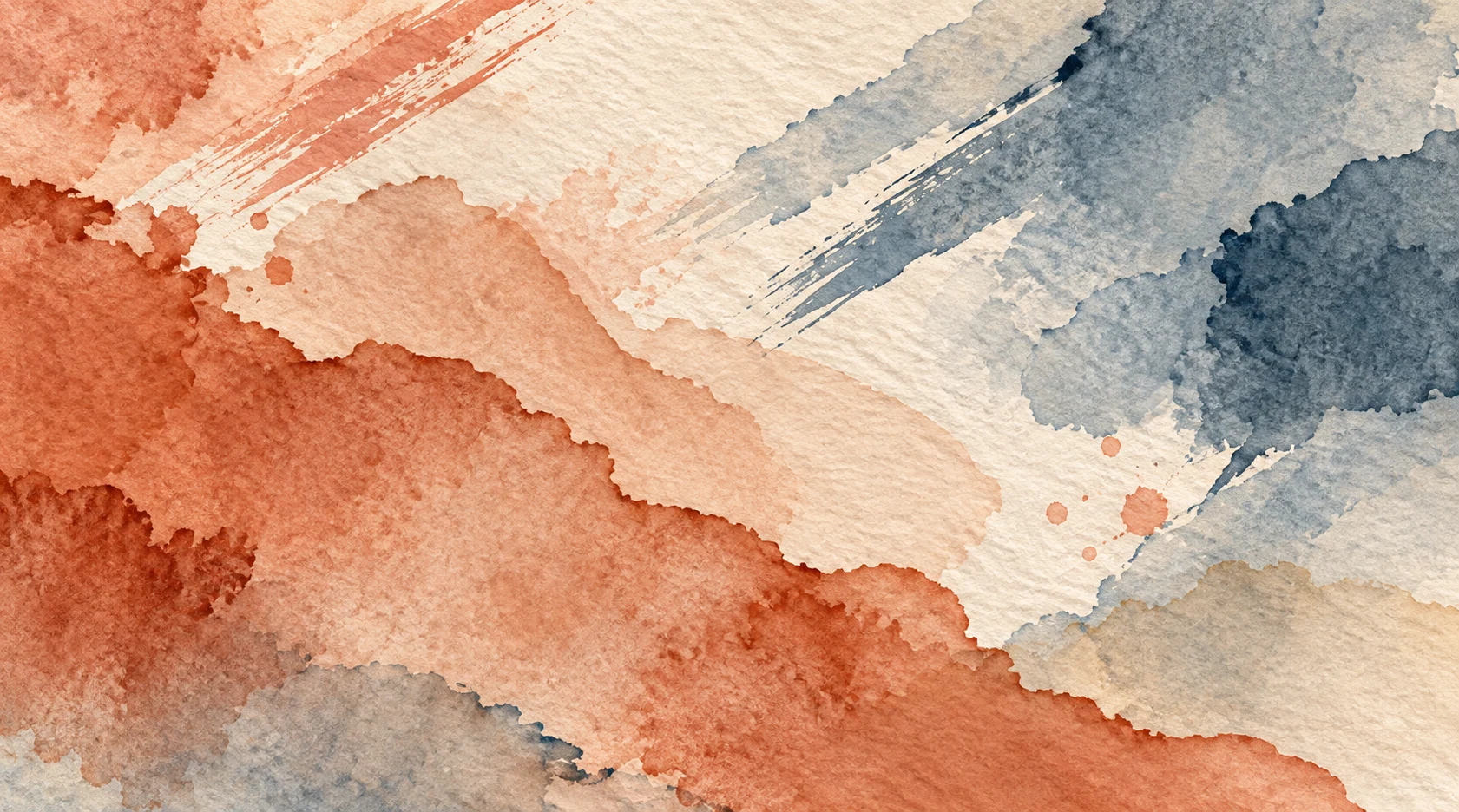
Paint a pale rectangle or cloud. Let a second, darker color cross only half of it. Look at the meeting point. Does the second pass stay distinct, cover everything below, or leave a mottled boundary? Try the same crossing once more with less pressure or lower opacity. Changing only one control tells you whether the brush gives you a usable range, not just one attractive setting.
If you need transparent washes, a brush that keeps covering the strokes below may not suit the task. It may still work well for flat color. Describe what it does: “good for blocking in large shapes; not suited to layering pale color” is more useful than “bad watercolor brush.”
Minutes 7–10: make one small picture
Use the marks you just tested to build a tiny landscape or botanical study. Keep the same brush and avoid a long detour through its settings. A pleasing swatch may be harder to use when you need to turn a corner, repeat a line, or make the background less prominent. Notice whether you can keep drawing or keep returning to the menus to solve problems.
Finish with a note that your future self could use: canvas dimensions, app version, brush size, the mark it handled well, and one limitation. “Soft at postcard size, repeated stamps in long dark strokes” is more useful than “lovely.”
Compare a second brush to answer a specific question
If the first brush struggled with broad transparent color, test a second brush on that same rectangle. Do not make a completely new picture: the point is to keep the task comparable. If both fail in the same way, the issue may be your layer or opacity setup. If only one struggles, you have learned which job belongs to which tool.
Place the two tests side by side at the size you intend to share. Choose the brush that makes the next step easier, rather than judging only the isolated swatch. A useful brush should help you keep developing the picture after the first appealing stroke.
Save a useful watercolor test sheet
Use the same small exercise when comparing the next brush, so the differences remain readable.
- Label the brush, app version, canvas dimensions, and settings you changed.
- Include a slow line, a fast line, one wash, and an overlap of two colors.
- Write down one task it handled well and one limitation, then check the sheet at its intended viewing size.